Sand Mix
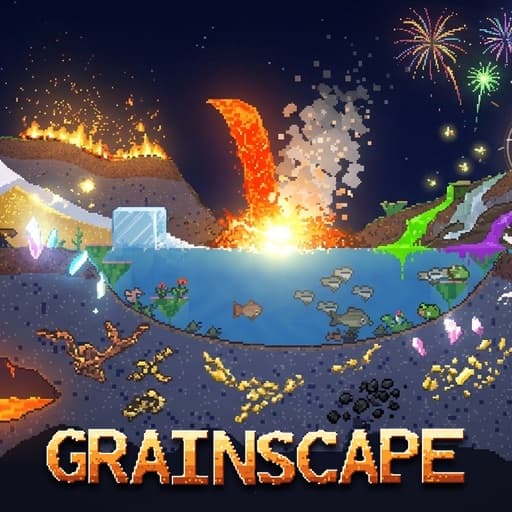
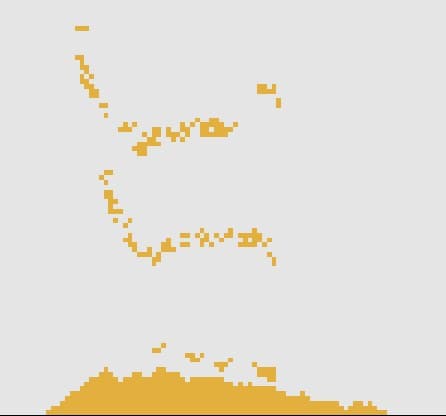
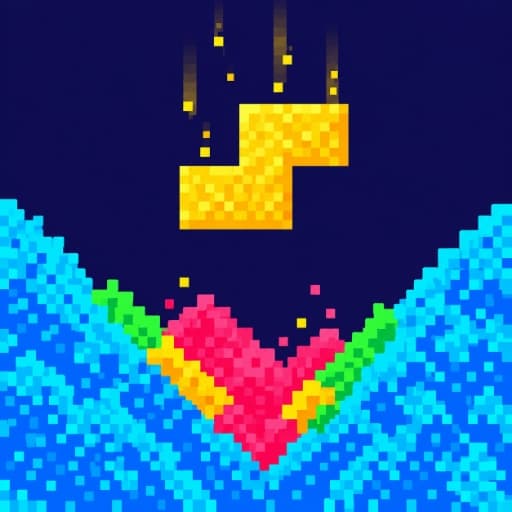
A little world of reactions, one grain at a time. ▎ Pick an element and draw it into the world. Sand piles up, water finds its level, oil floats, smoke drifts away. Then things start to react: ▎ - Heat sand until it fuses into glass, or melt stone into lava ▎ - Pour water on lava and watch a new shoreline hiss into stone ▎ - Plant seeds in wet soil and watch them sprout and climb ▎ There's no score and no timer. Try an idea, see what happens, undo and try another.
Key Features:
'drawing','simulation','elements','sandbox'
Tap an element at the bottom to pick it. Swipe the tabs (Earth, Liquids, Solids, Powders, Life, Gases, Energy, Machines) for more. Drag on the world to pour or draw it. Tap a tool to change what your finger does: Draw, Erase, Pick, Inspect, Heat, Cool, Mix, Shock, Smash. The buttons above the tools do pause, step, brush size, undo, redo, clear, brush shape, temperature view, speed, save, Menu, the field guide (?) and the starter experiments.